


A partner's app
This is Holdfast's.
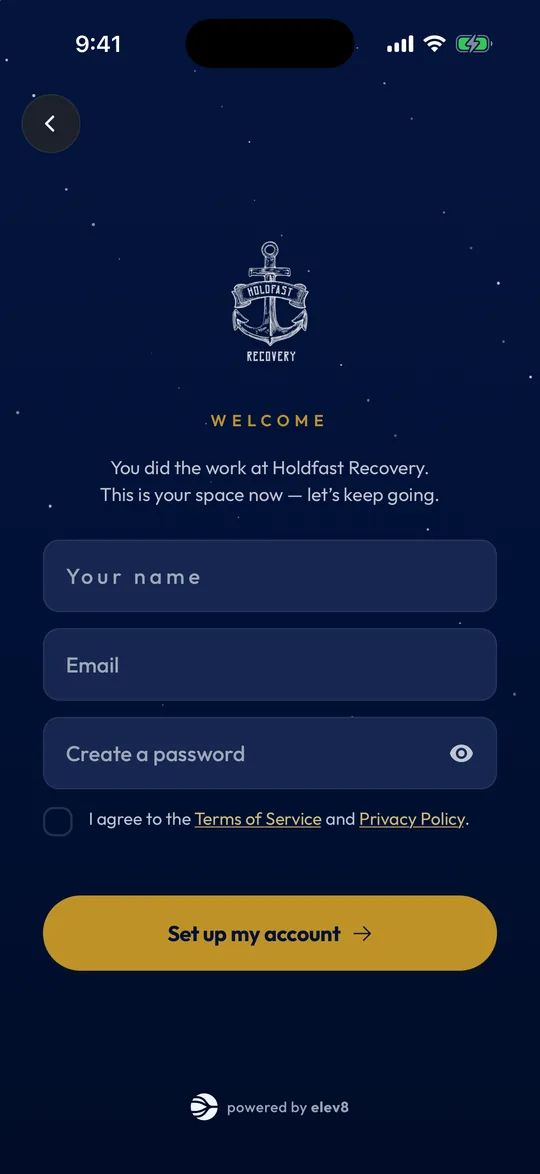
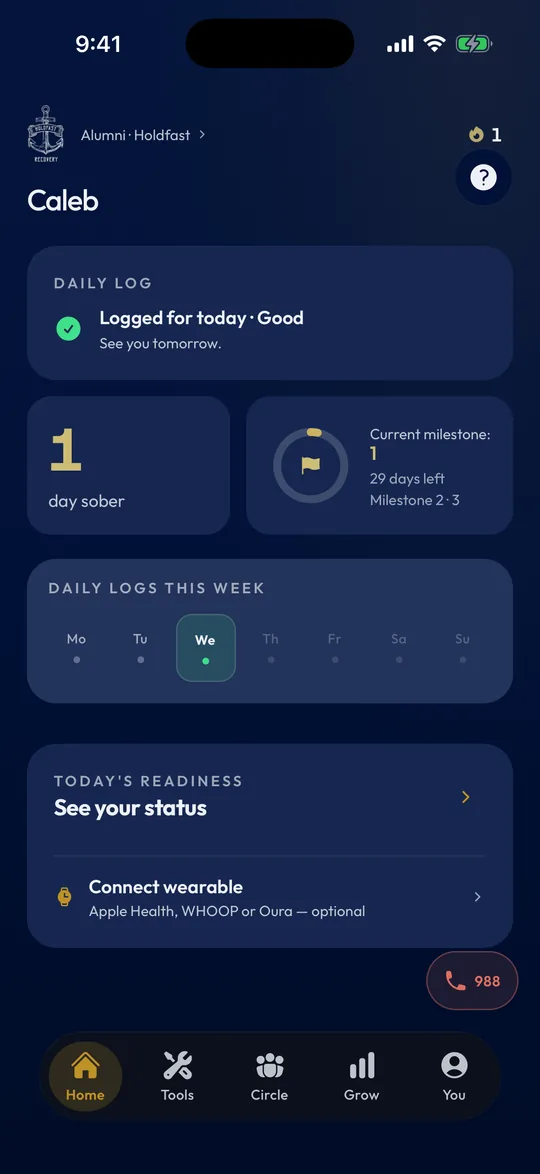
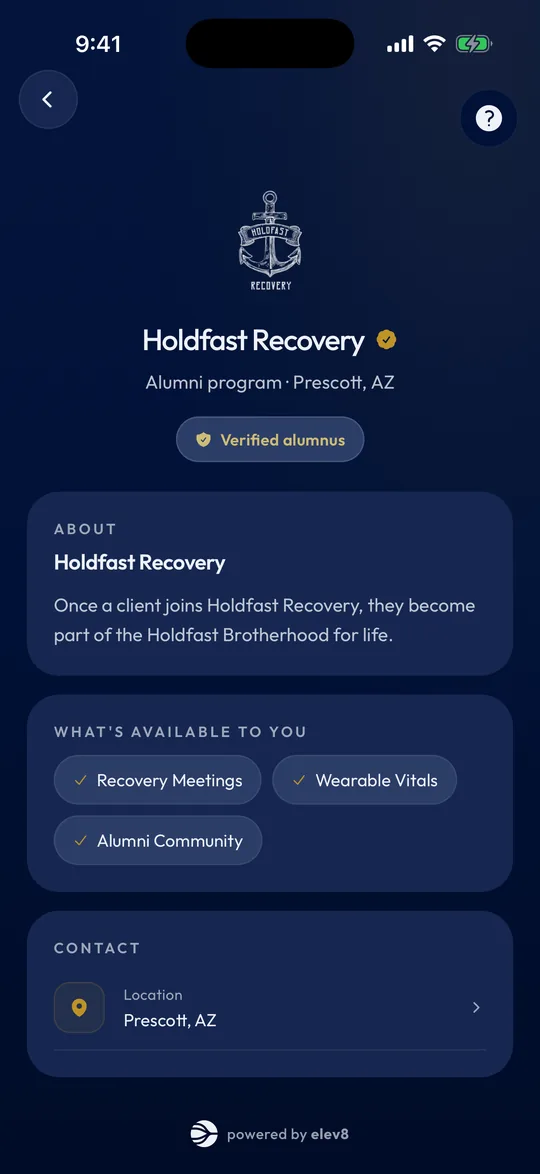
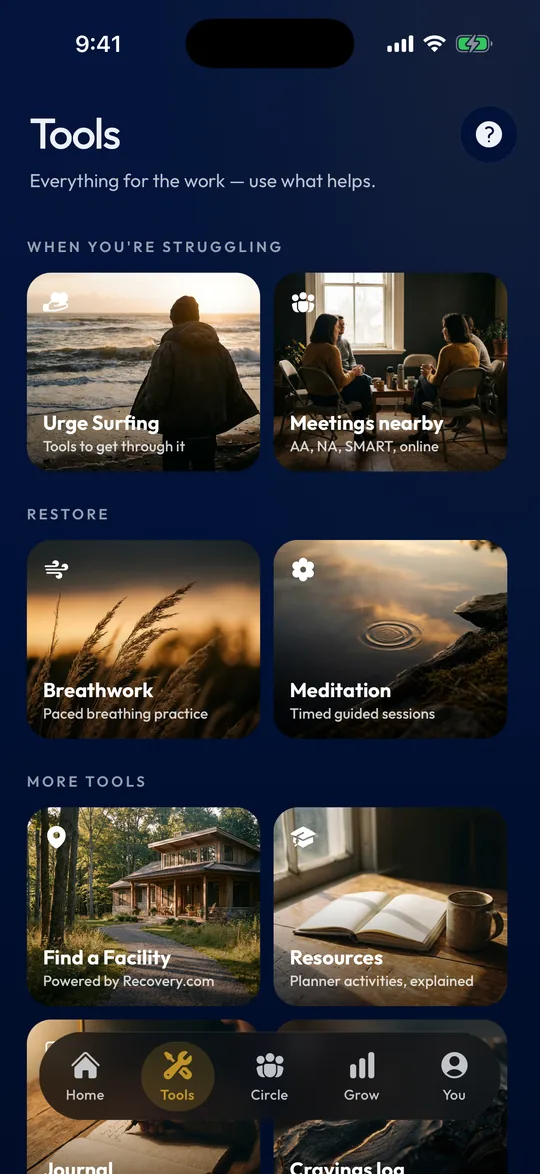
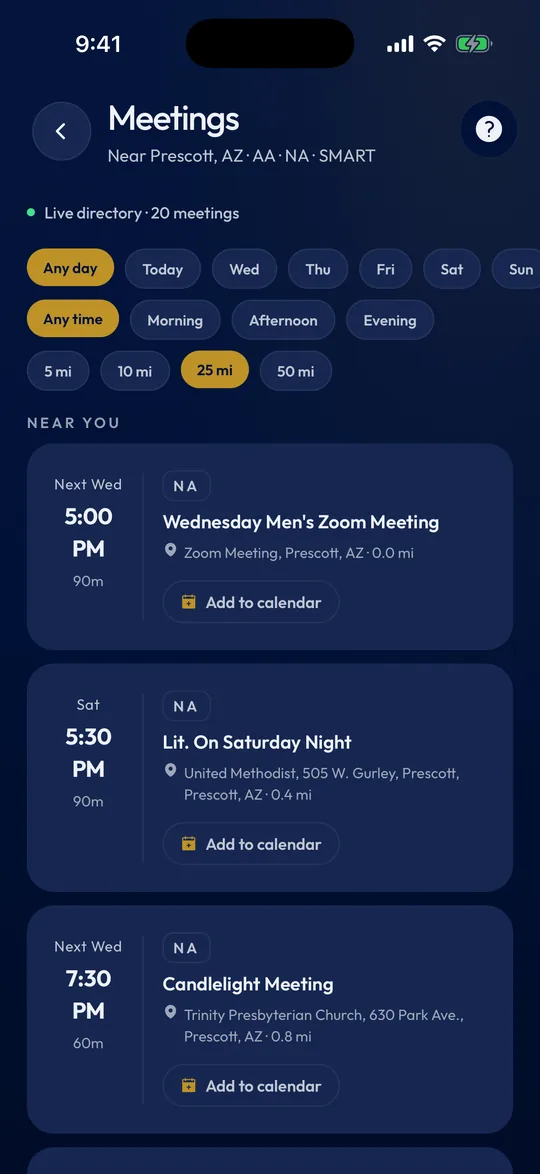
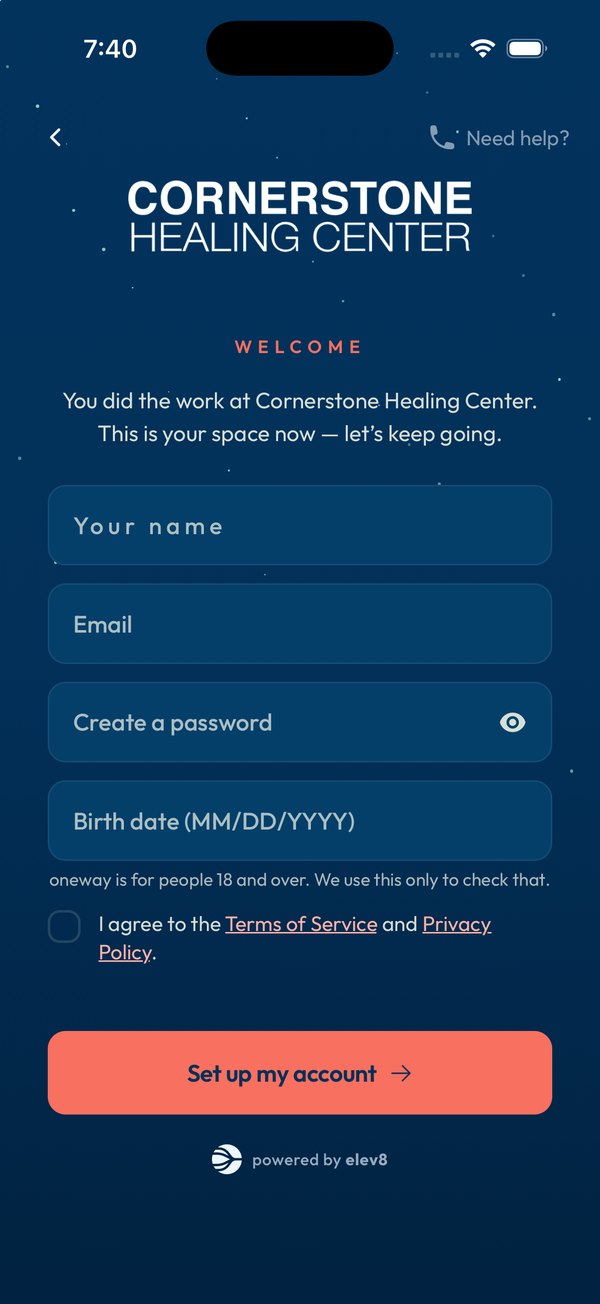
Real screens from the app Holdfast Recovery's alumni use. Yours would carry your name, colors and logo.
Try it
See it in your colors.
Add your name, colors and logo to preview the first screen your alumni see. It all happens in your browser. Nothing is uploaded or saved.
Welcome
You did the work at Your Facility.
This is your space now — let’s keep going.
powered by elev8
The real thing, for five partners.
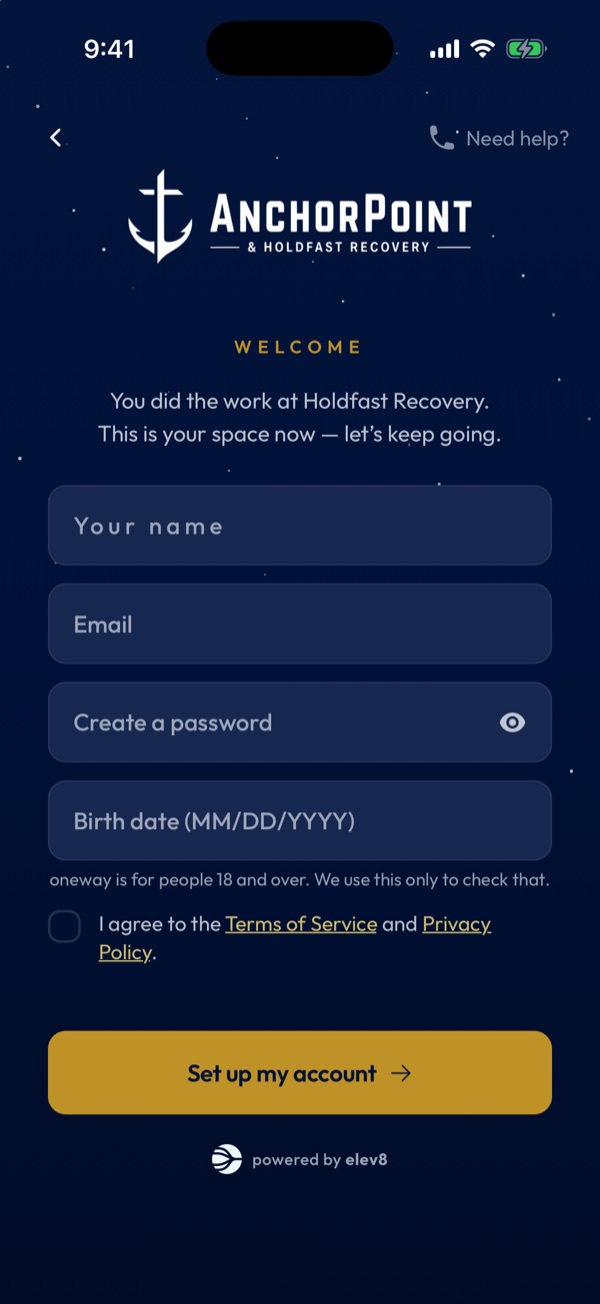
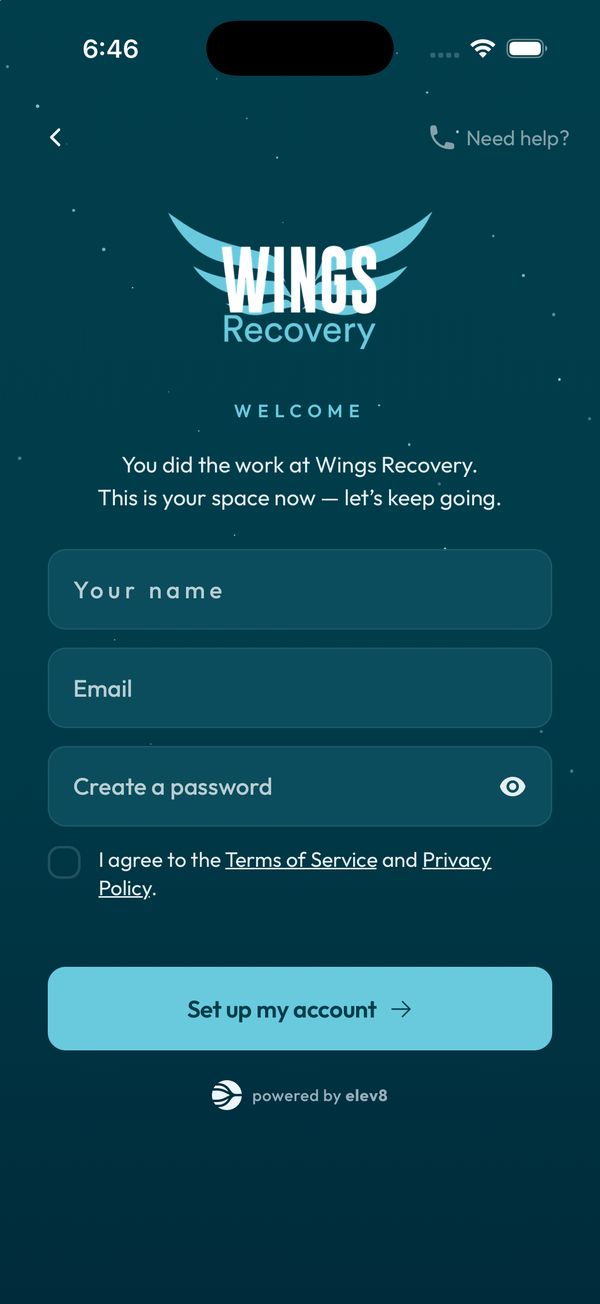
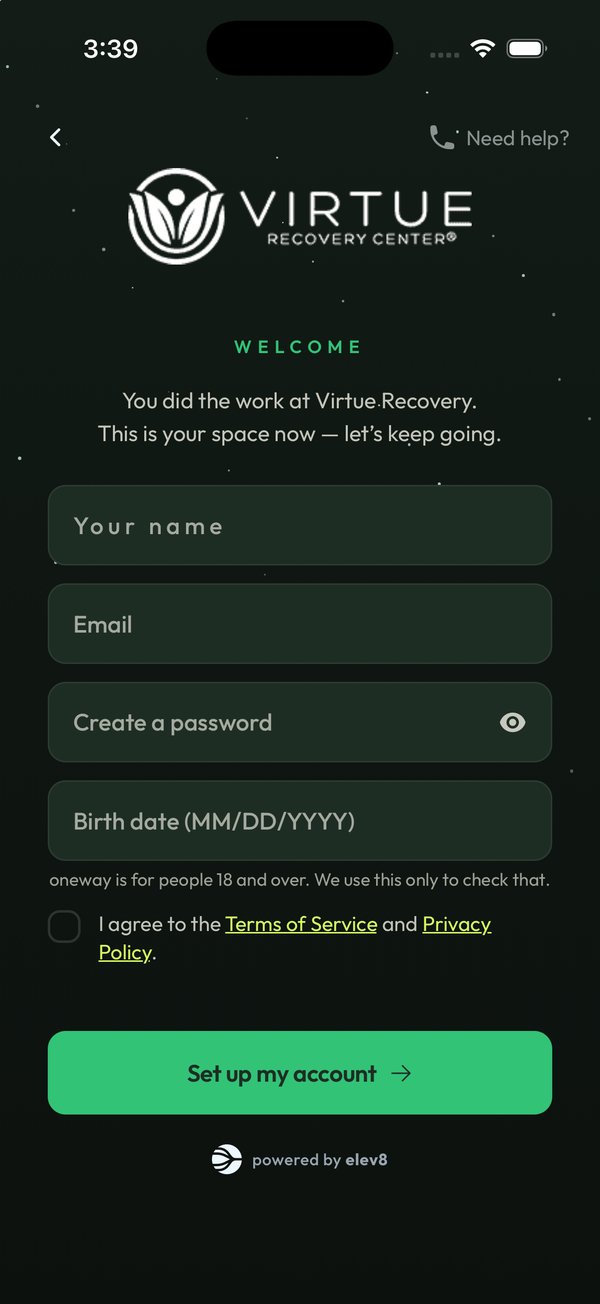
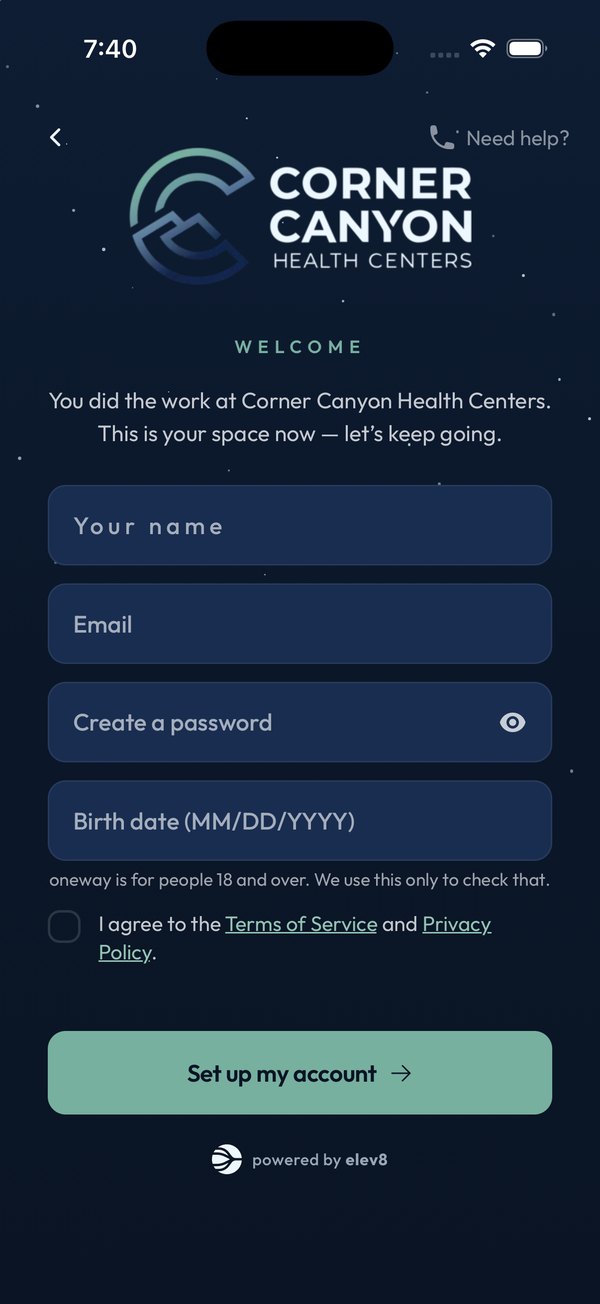
How it works
Three steps.
1
Talk to elev8
One call. We show you the app your alumni get and e8, where your team runs the program.
2
We set up your facility
Your colors and logo in the app, your alumni code, and your page on oneway.care.
3
Hand out your code
Clients get the code as they leave. They install oneway, enter it, and your alumni community opens.
- Run your alumni program on e8, the elev8 platform: check-ins, events and advocacy. See the Alumni & Advocacy System.
- oneway is on iPhone and Android.
Privacy
What your team sees.
Alumni decide what's personal. Here is the full list.
Without anyone opting in
- How many alumni have joined with your code. A number, not names.
- The names of alumni who RSVP to your events.
- Community posts and messages between your alumni that someone reports, so your team can review them.
- Reviews of your facility, without names.
- Totals across your alumni, shown only when there are at least 10 people in the group.
Only if an alum turns sharing on
- Their name, day count and check-in progress.
- Numbers from a wearable they've connected.
- Messages with your care team.
- An alert when their check-ins drop off, so someone on your team can reach out.
Alumni can turn sharing off at any time. The full picture is in the App Privacy Policy.
For facilities
Questions facilities ask.
Is it a separate app we have to maintain?
No. oneway is one app, and your alumni see it in your colors once they enter your code. We build and ship the updates. There is nothing for your team to maintain.
Do alumni need our code?
Anyone can use oneway's personal tools without a code. Your code is what connects them to you: your colors, your alumni community, and anything your team runs in the app.
Do we have to be listed in the oneway.care directory?
No. Listing is optional. You can keep your own alumni page on your website too, and your oneway.care page links to it.
What does it cost?
It depends on the size of your alumni program. We go through it on the first call.
Good to know
oneway is built by elev8. Facilities listed on oneway.care work with elev8, and a listing is not an endorsement. oneway is a support tool, not a crisis service. In crisis, call or text 988.